A kitchen studio site from scratch
Thirteen chapters about your first site: install Eile, write templates, add a kitchen catalog with prices and a measuring visit request, and finally put the site on the internet with HTTPS.
Thirteen chapters about your first site: install Eile, write templates, add a kitchen catalog with prices and a measuring visit request, and finally put the site on the internet with HTTPS.
No programming experience needed. You can copy every code example whole, and below each one we go through what every line does. A test checks all the examples: it walks through the chapters in order on a real Eile.
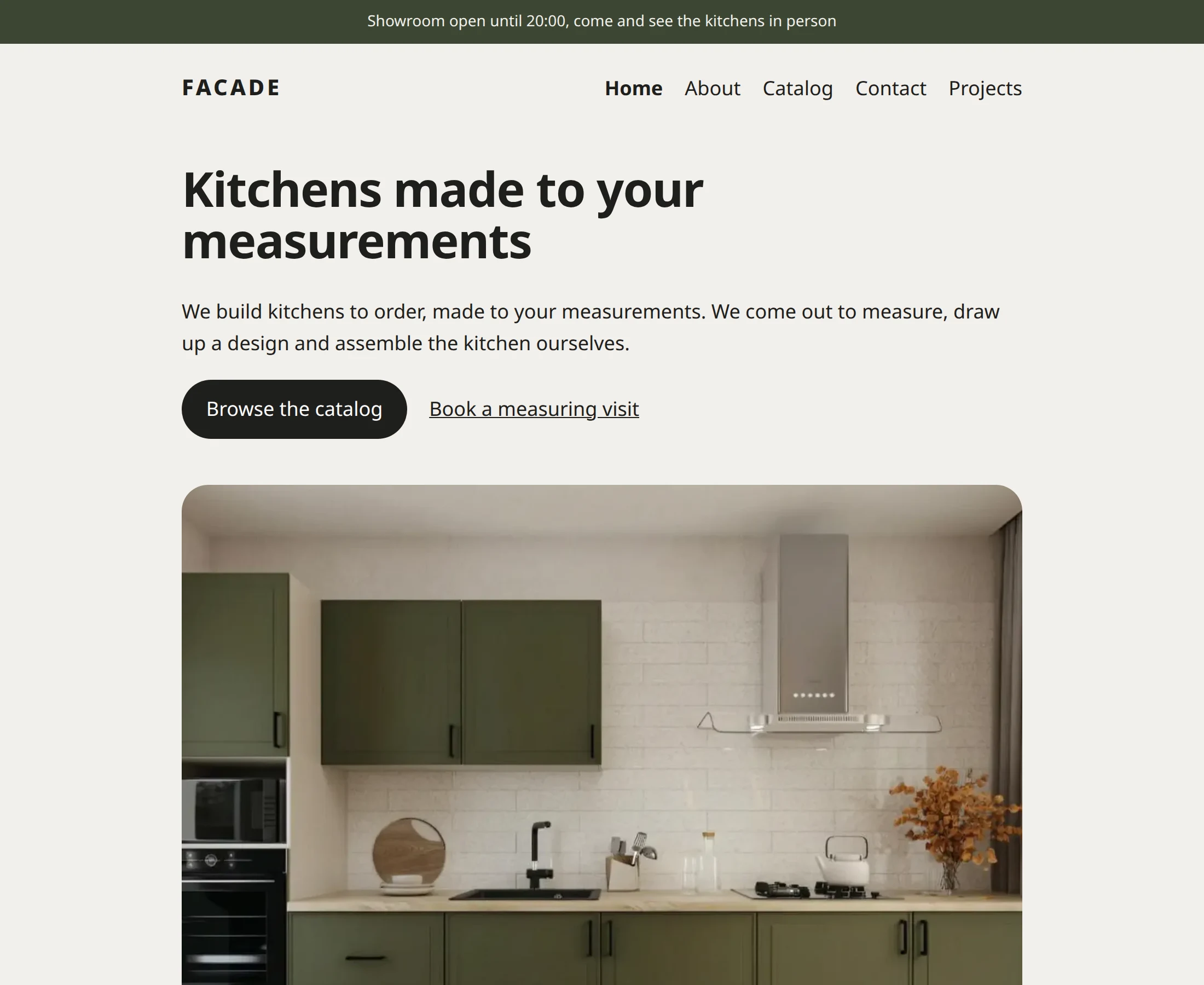
Over thirteen chapters we’ll build a website for Facade, a kitchen studio. It will have a kitchen catalog with prices, finished projects, a form for booking a measuring visit and its own address on the internet. You don’t need any programming experience: every step is shown and explained.
We’ll install Eile with one command, start an empty site and sign in to the manager. It takes about ten minutes.
An Eile site grows like a tree: every page has a place, an address and a number. Let’s create the studio’s pages and publish them.
A template decides how a page looks. We’ll go through the Minimal template line by line and write our own, with a header, a title and the studio’s calm colors.
It’s handy to keep the header and the footer as separate pieces that you can plug into any template. These pieces are called components. We’ll make three: a menu, a header and a footer.
Soon there will be several templates. So that each one doesn’t repeat the header, footer and styles, we’ll gather them into a frame, and templates will put only their own part inside it.
A kitchen has a price per meter, a shape and a photo. Writing them into the text is awkward: you can’t sort by price or change it in one place. For data like this, pages have fields.
Catalog will build the kitchen cards with prices on its own, Projects will show the studio’s work five to a page, and the home page will become the studio’s shop window, with kitchens and recent projects.
The studio’s phone number is needed in the footer, on the contact page and next to the measuring visit form. We’ll enter it once in the settings, and templates and page texts will take it from there.
A visitor leaves their name, phone number, address and a convenient date, and the request arrives in the manager and in Telegram. We’ll build the form without writing any code and put it on the contact page.
Eile builds a page once and then serves it from memory instantly. Some things have to change, though: whether the showroom is open right now, or what a 3.4-meter kitchen will cost. That’s what uncached regions and islands are for.
So far the site lives on your computer. Let’s move it to a server, connect a domain and turn on HTTPS. You’ll need a Linux server and a domain, and Eile does the rest by itself.
The studio’s site is up and running. Here’s what else Eile can do and where to look when you want more.